Once the job is finished, the submission page reports the outcome and offers the files the run produced.
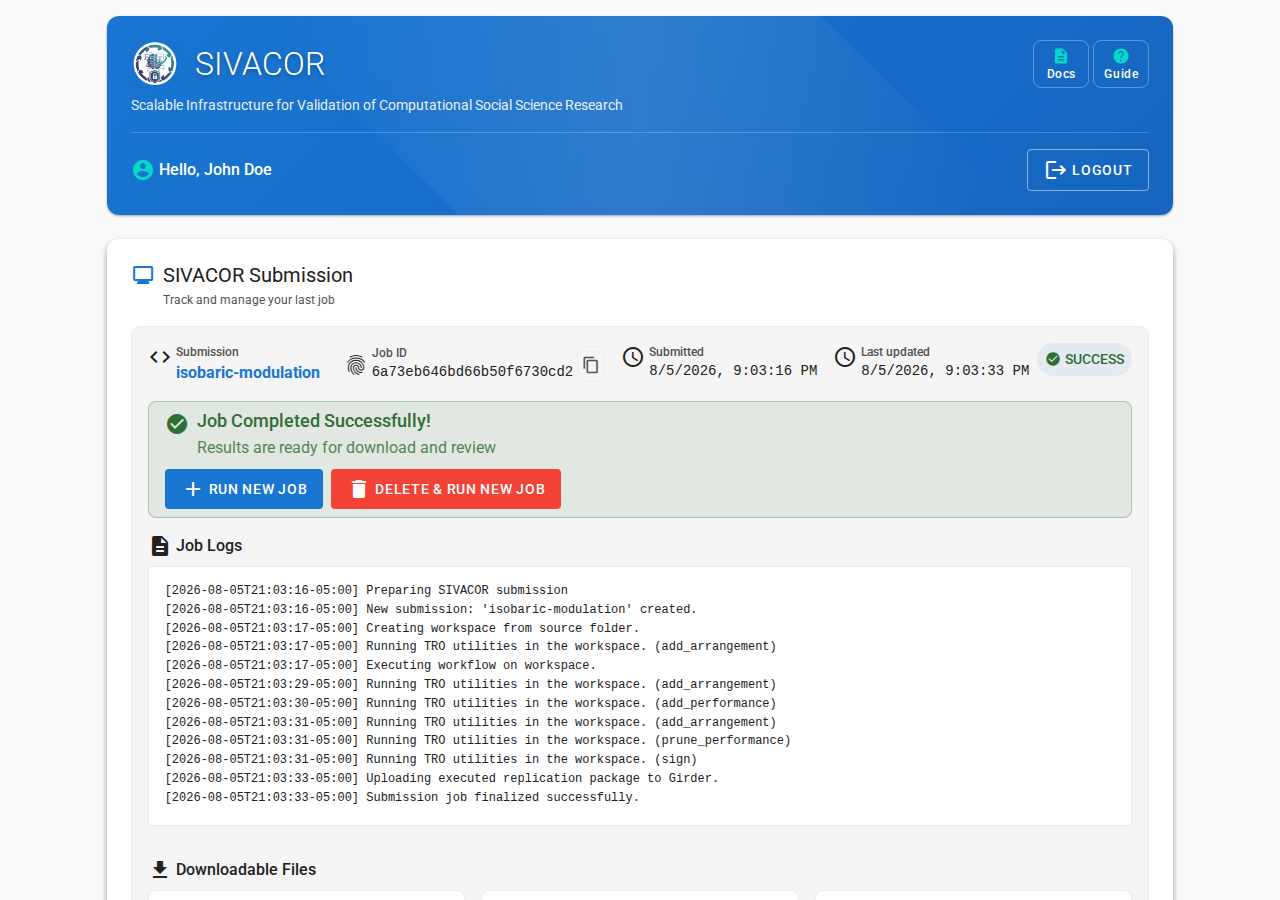
After a successful run
You can now download the Replicated Package, a ZIP file that contains your originally submitted materials, the output files generated by your code, and the TRACE-related files (TRO Declaration, TRS Signature, Trusted Timestamp, see FAQ) that prove that this job was run on SIVACOR.
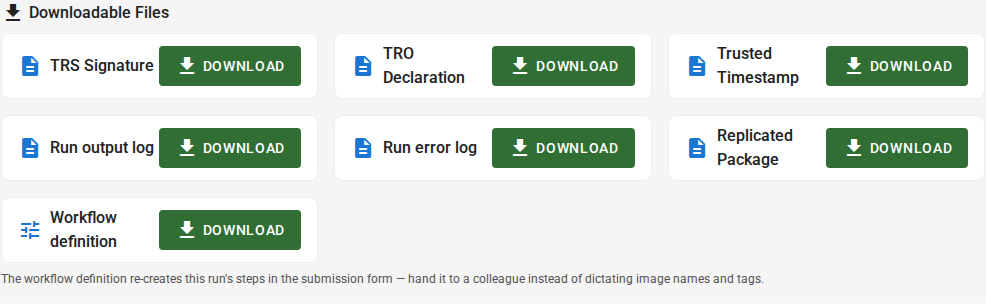
The same three TRACE files are also offered individually — TRO Declaration, TRS Signature and
Trusted Timestamp — for anyone who wants to verify the signature without unpacking the whole
archive. They are the same bytes that are inside the ZIP.
Alongside them are the Run output log (what your code wrote to standard output) and the
Run error log (standard error). These are offered whether the run succeeded or failed.
You can also download a Workflow definition — a small YAML file describing the software, versions and main files this run used. It is not part of the signed package; it is there so you (or a colleague) can reproduce the same setup later by importing it on the submission page, instead of filling the form in by hand (see
Optional chained runs).
After a failed run
A run that failed produces no signed package — there is nothing to certify — so the Replicated Package and the three TRACE files are not offered. What you get is the Run output log and
the Run error log, and those are where the reason is.
Read the error log first: it names the command, file or package at fault. The debugging guide covers the common ones per software, and the FAQ covers failures that are not your package’s doing, such as a lost worker.
Keeping and deleting results
Handing the package to a journal
ℹ️ FAQ
See the FAQ.