Logging In
The main submission site is https://
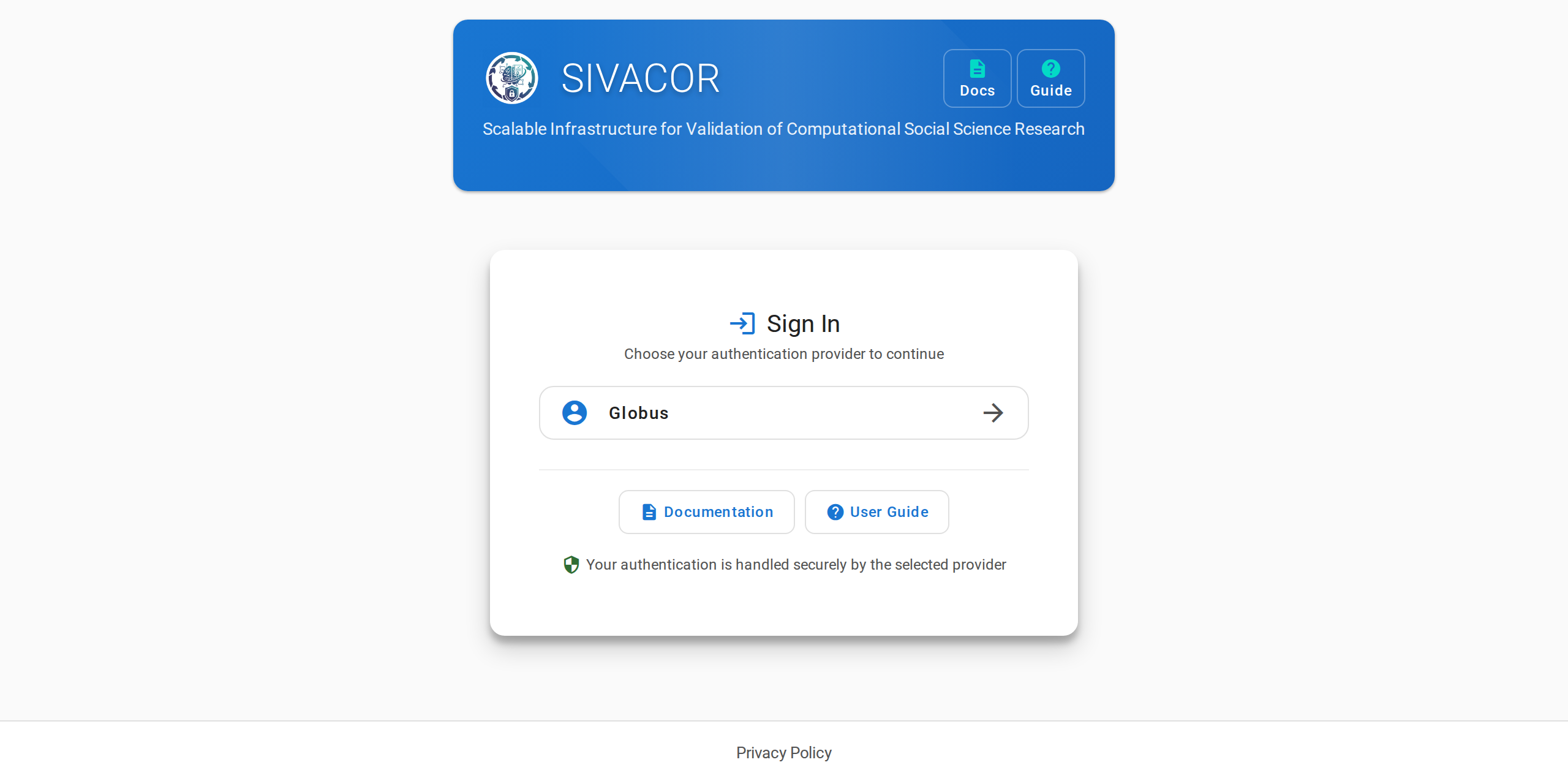
SIVACOR uses institutional logins via Globus.
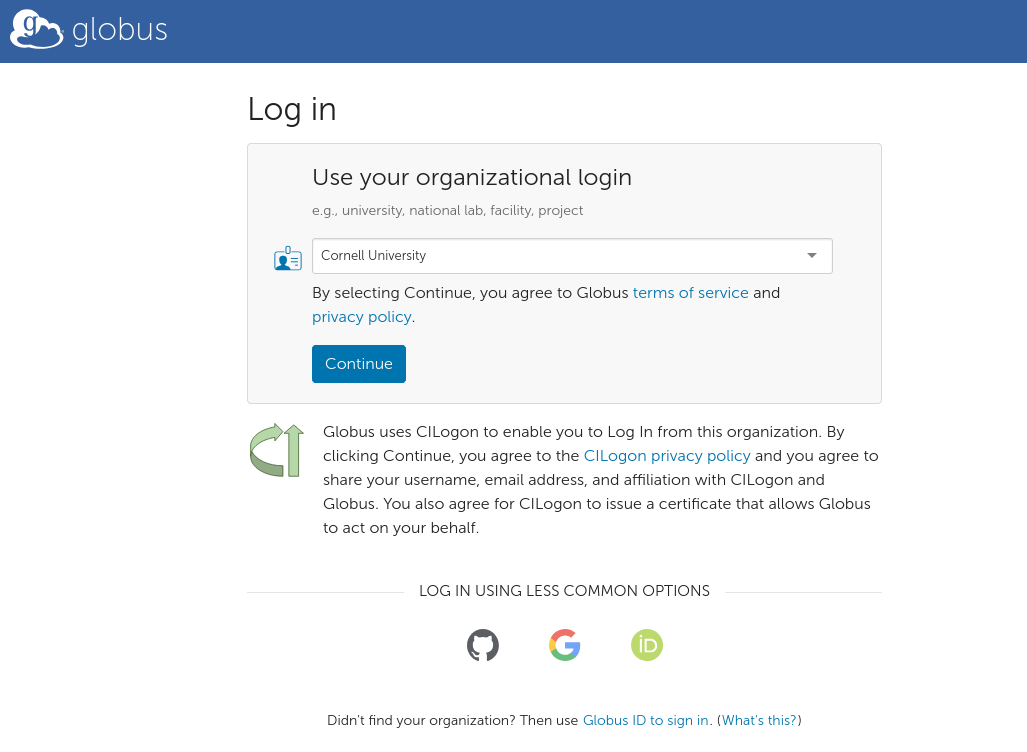
Click on the “Login with Globus” button. You can search for your institution, or use one of the other login methods. You will be redirected to your institution’s login page. After entering your credentials, you will be redirected back to SIVACOR.
Uploading a Package
Once logged in, you will see the upload page.
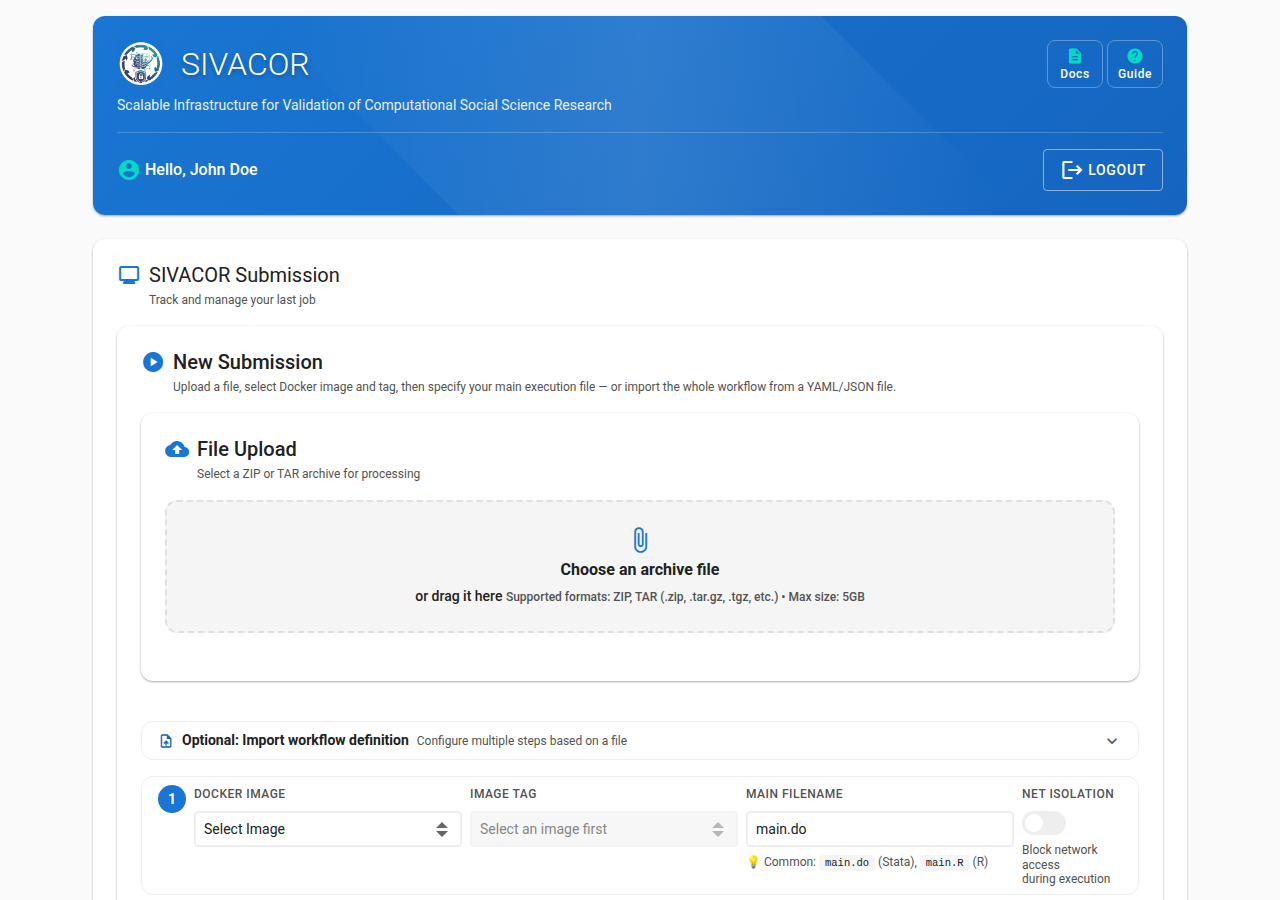
Upload the replication package (ZIP or tar.gz files). You can either click to choose a
file, or drag it onto the upload area. A single archive may be at most 5 GB, and each
user may store up to 10 GB on SIVACOR at any one time.
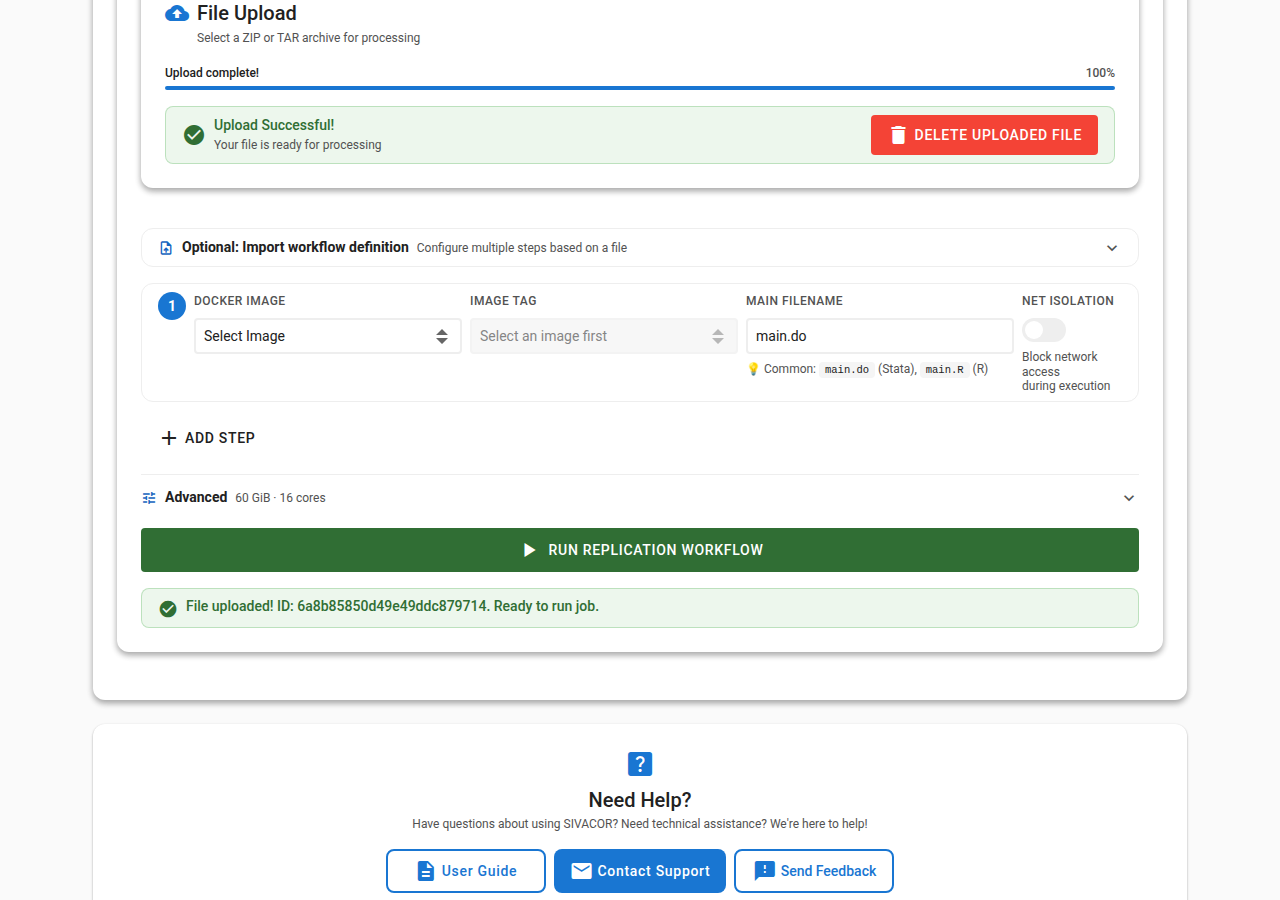
Until an upload has finished, Run Replication Workflow at the bottom of the page stays grey
and says why. It goes grey again if you delete the uploaded file, so a run can never be started
against a file that is half-uploaded or no longer there.

ℹ️ FAQ
See the FAQ if you experience difficulty uploading.